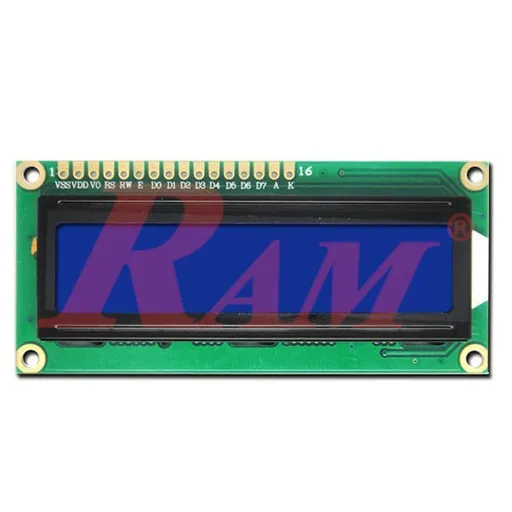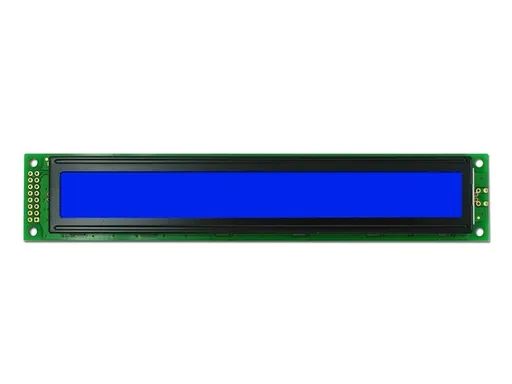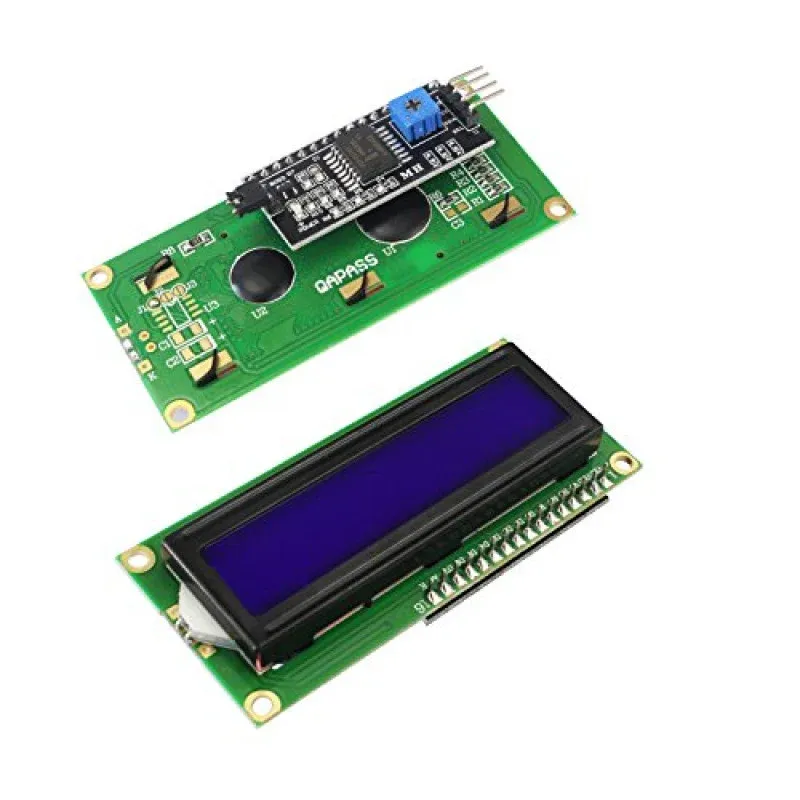
LCD1602 16x2 Blue Backlight Display with I2C Adapter
Prices updated: 12 Oct 2026
Compare prices
| Store | product | Price | View in store |
|---|---|---|---|
 Future ElectronicsCheapest Future ElectronicsCheapest | LCD 2X16 with I2C | 119 EGP | View in store |
 Microohm Microohm | LCD1602 Parallel LCD Display with IIC/I2C interface | 120 EGP160 | View in store |
 RAM Electronics RAM Electronics | IIC/I2C 1602 Serial Character LCD 2x16 Display | 145 EGP | View in store |
Price history
Lowest daily price, last 90 days
Not enough price history yet.
Lowest price recorded: 119 EGP
About this product
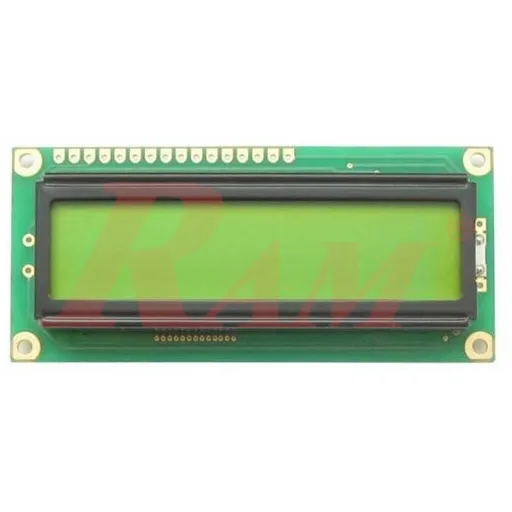
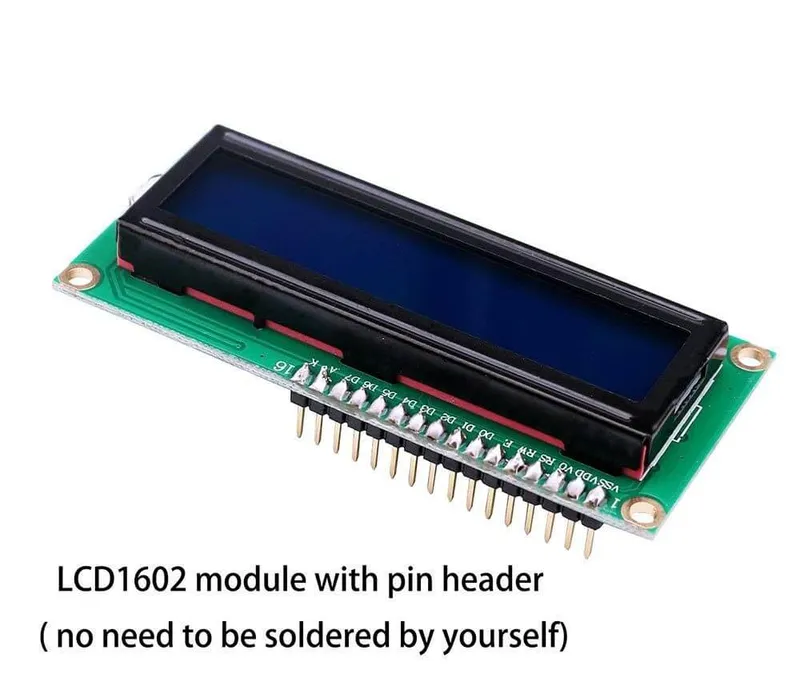
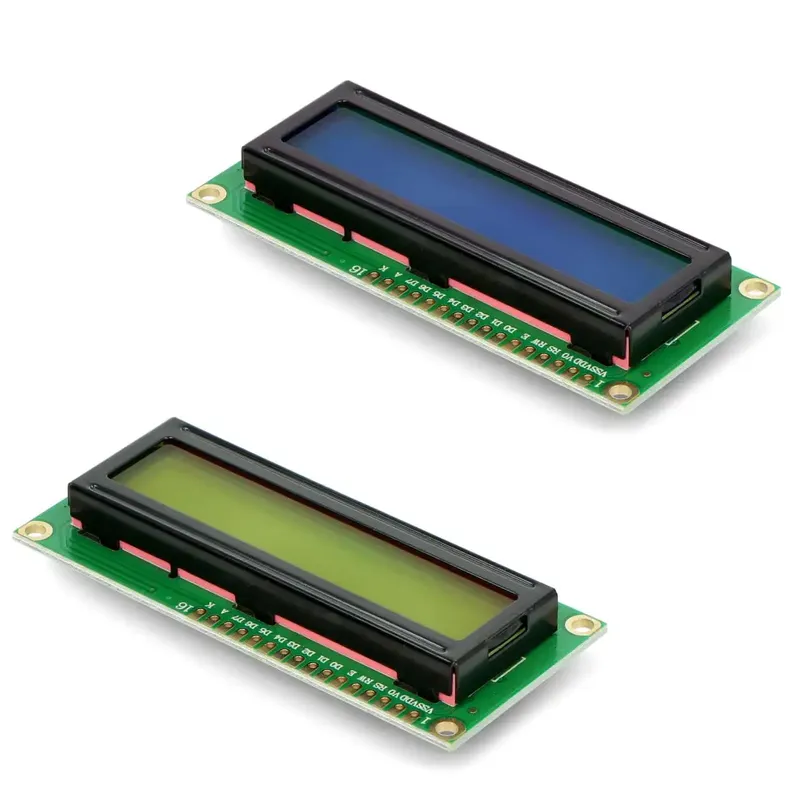
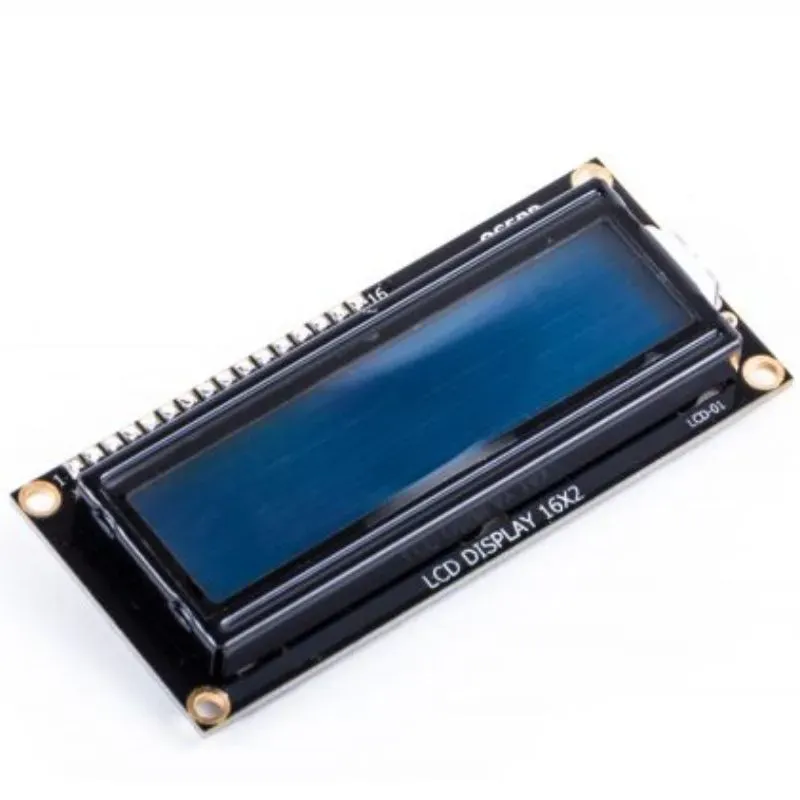
A 16 by 2 character LCD with white text on a blue backlight, with an I2C adapter soldered to its back. The adapter reduces the usual parallel wiring to four connections: VCC, GND, SDA and SCL. It is a popular choice for showing sensor readings and status messages in Arduino and other microcontroller projects.
Specifications
- Display size
- 16 x 2 characters / 16 × 2 حرفًا
- Colors
- White text on blue backlight / نص أبيض على خلفية زرقاء
- Interface
- I2C adapter / محول I2C
- Controller
- HD44780-compatible character LCD / شاشة حروف متوافقة مع HD44780
- Connections
- VCC, GND, SDA, SCL / VCC وGND وSDA وSCL
Frequently asked questions
What is the price of LCD1602 16x2 Blue Backlight Display with I2C Adapter in Egypt?
LCD1602 16x2 Blue Backlight Display with I2C Adapter currently costs between 119 and 145 EGP across 3 offers in Egypt.
Where can I buy LCD1602 16x2 Blue Backlight Display with I2C Adapter in Egypt?
LCD1602 16x2 Blue Backlight Display with I2C Adapter is available from Future Electronics, Microohm, and RAM Electronics. Compare the offers above to find the best price.
What I2C address does the display use?
Most I2C backpacks use a PCF8574 expander with address 0x27 or 0x3F. Run an I2C scanner sketch to confirm the address on your board, then set it in your library code.
Which library should I use with Arduino?
The LiquidCrystal_I2C library works with most of these adapters. Use the address found by the scanner, and adjust the contrast potentiometer on the adapter if the characters do not appear.