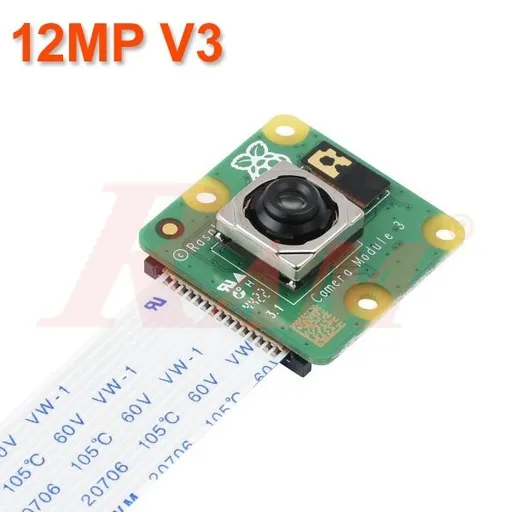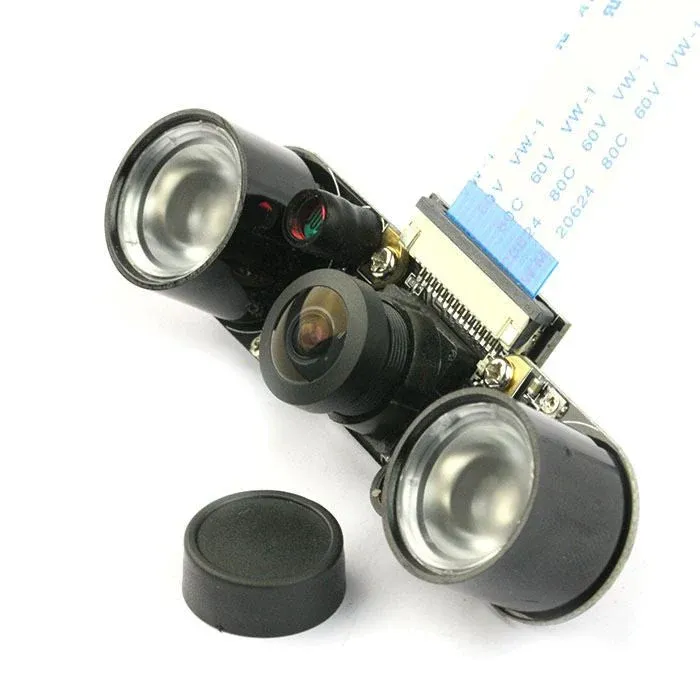
Compare prices
| Store | product | Price | View in store |
|---|---|---|---|
 Future ElectronicsCheapest Future ElectronicsCheapest | 5MP Camera Board for Raspberry Pi. V1.3 | 210 EGP | View in store |
 RAM Electronics RAM Electronics | Raspberry Pi 3B/4B Camera Module 5MP Rev 1.3 | 275 EGP | View in store |
 Most Electronics Most Electronics | Raspberry Pi Camera Board V1.3 (5MP, 1080p) | 303 EGP355 | View in store |
 Circuits Electronics Circuits Electronics | Raspberry Pi Camera Board (High Resolution) | 320 EGP | View in store |
Price history
Lowest daily price, last 90 days
Lowest price recorded: 210 EGP
About this product
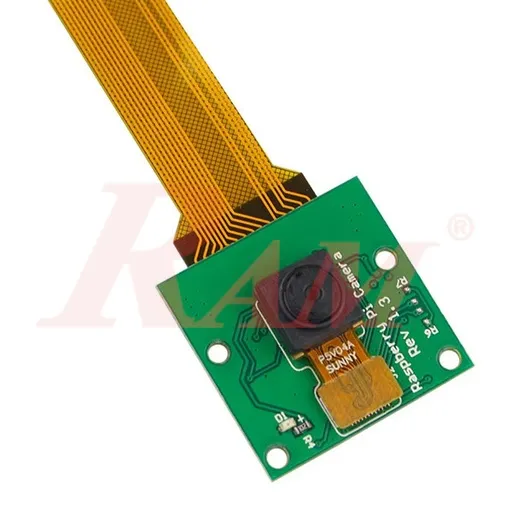
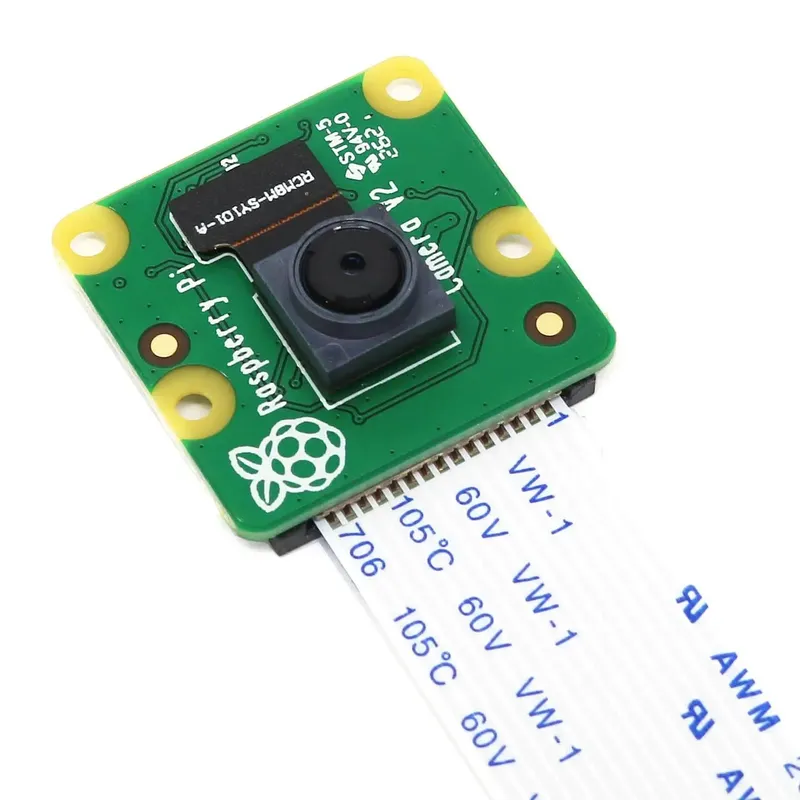
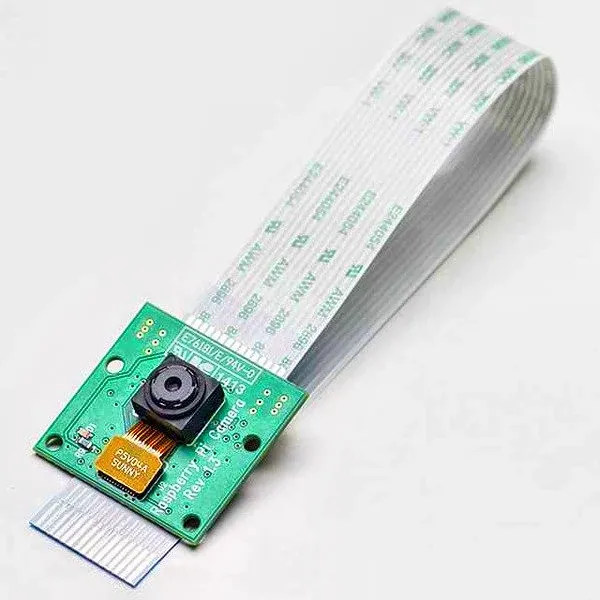
A 5 MP camera board for Raspberry Pi, version V1.3, supplied with its ribbon cable. It records video up to 1080p and captures still images up to 2592 x 1944 pixels, and connects directly to the CSI camera port on the Raspberry Pi. Useful for vision, time-lapse and monitoring projects.
Specifications
- Sensor resolution
- 5 MP
- Video resolution
- 1080p
- Still image resolution
- 2592 x 1944 px
- Interface
- CSI (Camera Serial Interface)
- Dimensions
- 25 x 20 x 9 mm
- Weight
- About 3 g
- Compatibility
- Raspberry Pi boards with CSI port
Frequently asked questions
What is the price of Raspberry Pi 5MP Camera Board V1.3 (CSI) in Egypt?
Raspberry Pi 5MP Camera Board V1.3 (CSI) currently costs between 210 and 320 EGP across 4 offers in Egypt.
Where can I buy Raspberry Pi 5MP Camera Board V1.3 (CSI) in Egypt?
Raspberry Pi 5MP Camera Board V1.3 (CSI) is available from Future Electronics, RAM Electronics, Most Electronics, and Circuits Electronics. Compare the offers above to find the best price.
Which Raspberry Pi models does it support?
The listing says it works with all versions of Raspberry Pi that have a CSI camera port. Pi Zero boards use a smaller camera connector, so they need a suitable adapter cable.
How do I connect and enable the camera?
Insert the ribbon cable into the CSI port on the Raspberry Pi with the contacts facing the correct way, then enable the camera interface in the Raspberry Pi configuration settings.