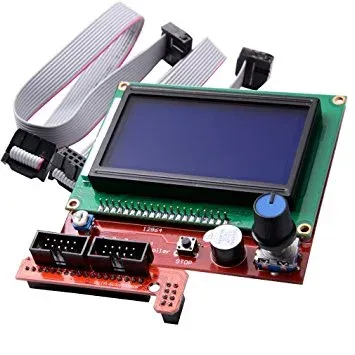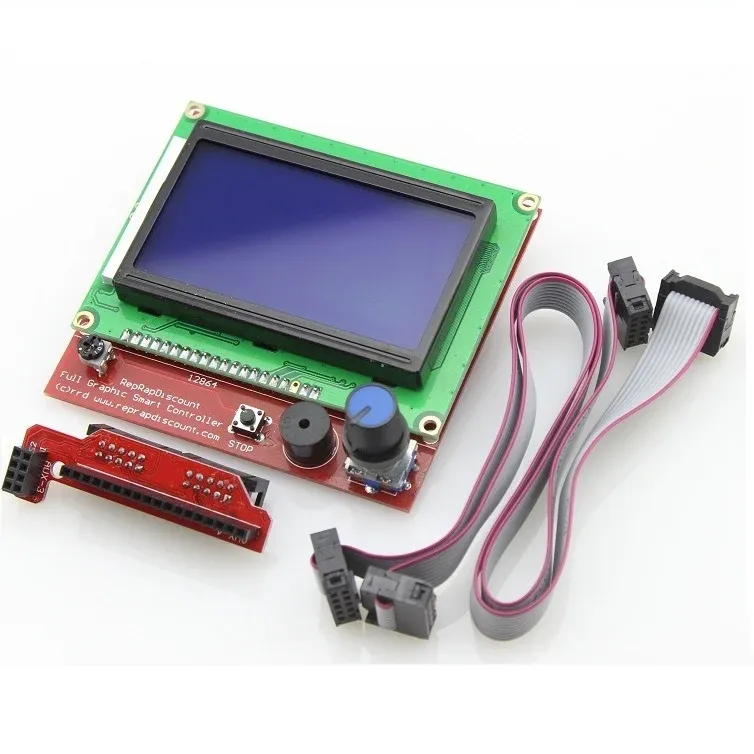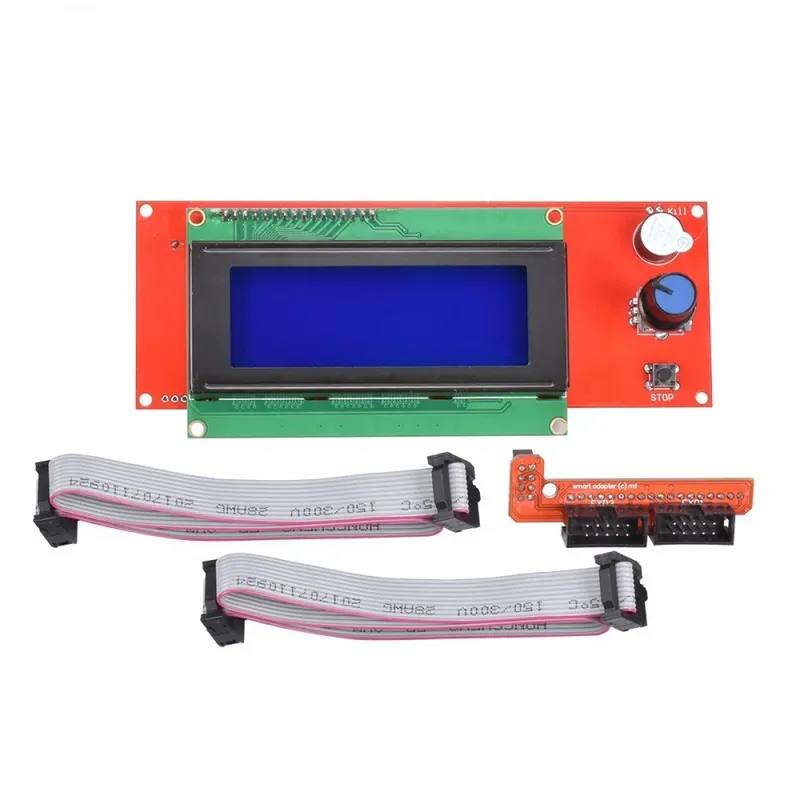
RAMPS 20x4 LCD2004 Smart Controller with SD Card (SKU 3D1001)
Prices updated: 13 Oct 2026
Compare prices
| Store | product | Price | View in store |
|---|---|---|---|
 Most ElectronicsCheapest Most ElectronicsCheapest | RAMPS LCD 20×04 with SD Card Interface for 3D Printers | 349 EGP480 | View in store |
 RAM Electronics RAM Electronics | RAMPS LCD2004 4x20 Controller with SD Card Interface - for 3D Printers (SKU#3D1001) | 400 EGP | View in store |
Price history
Lowest daily price, last 90 days
Lowest price recorded: 349 EGP
About this product
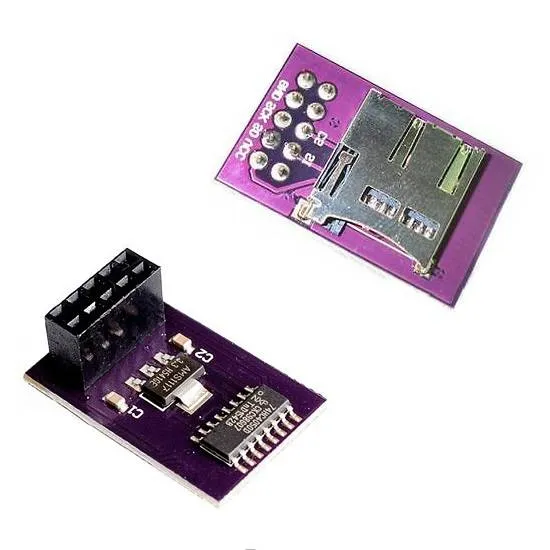
A 20x4 character LCD and control panel with a rotary encoder and SD card slot, designed to plug into a RAMPS 1.4 board on 3D printers. It lets you navigate menus, adjust printer settings and select and start print files from an SD card without a computer. The module also includes a backlight control circuit with an adjustable auto-off timer. Printer firmware must be configured to support this display.
Specifications
- Display
- 20x4 character LCD (LCD2004)
- Input
- Rotary encoder
- Storage
- SD card slot on the back
- Compatible board
- RAMPS 1.4
- Backlight timeout
- 10 seconds to 2 minutes (adjustable)
- SKU
- 3D1001
Frequently asked questions
What is the price of RAMPS 20x4 LCD2004 Smart Controller with SD Card (SKU 3D1001) in Egypt?
RAMPS 20x4 LCD2004 Smart Controller with SD Card (SKU 3D1001) currently costs between 349 and 400 EGP across 2 offers in Egypt.
Where can I buy RAMPS 20x4 LCD2004 Smart Controller with SD Card (SKU 3D1001) in Egypt?
RAMPS 20x4 LCD2004 Smart Controller with SD Card (SKU 3D1001) is available from Most Electronics and RAM Electronics. Compare the offers above to find the best price.
Does it work with any RAMPS board?
It is designed to plug into RAMPS 1.4 headers. The printer firmware, such as Marlin, must be configured for this LCD type in its configuration file before the display will work.
How do I print from the SD card?
Save the sliced G-code file on a microSD card or SD card as supported by the reader, insert it into the slot on the back of the display, then use the rotary encoder to select the file from the menu and start printing.