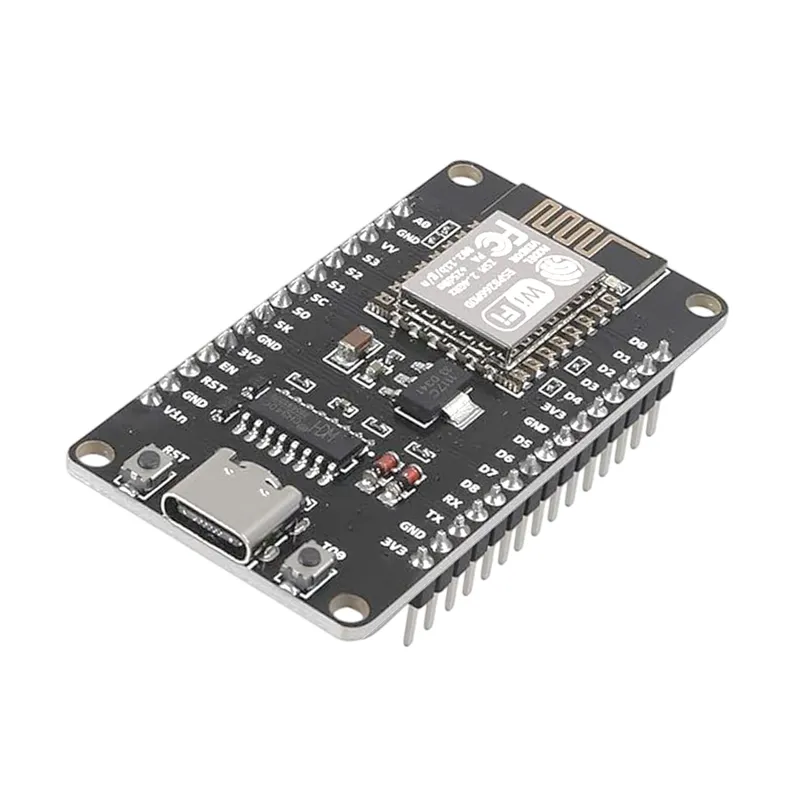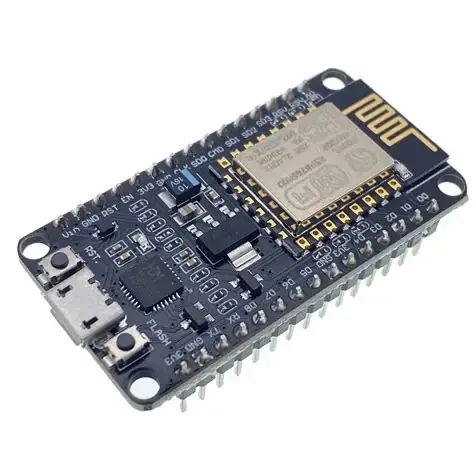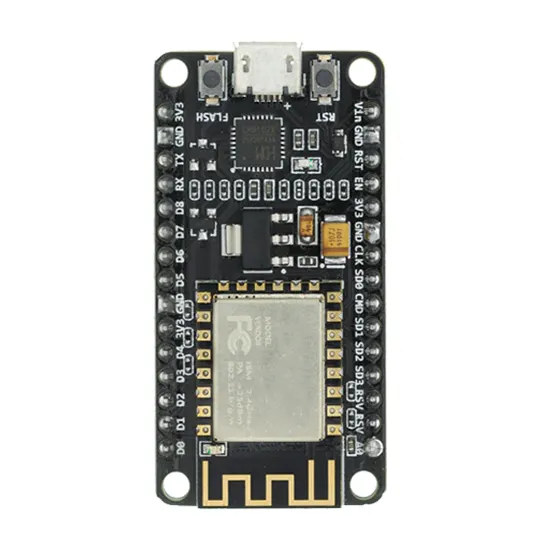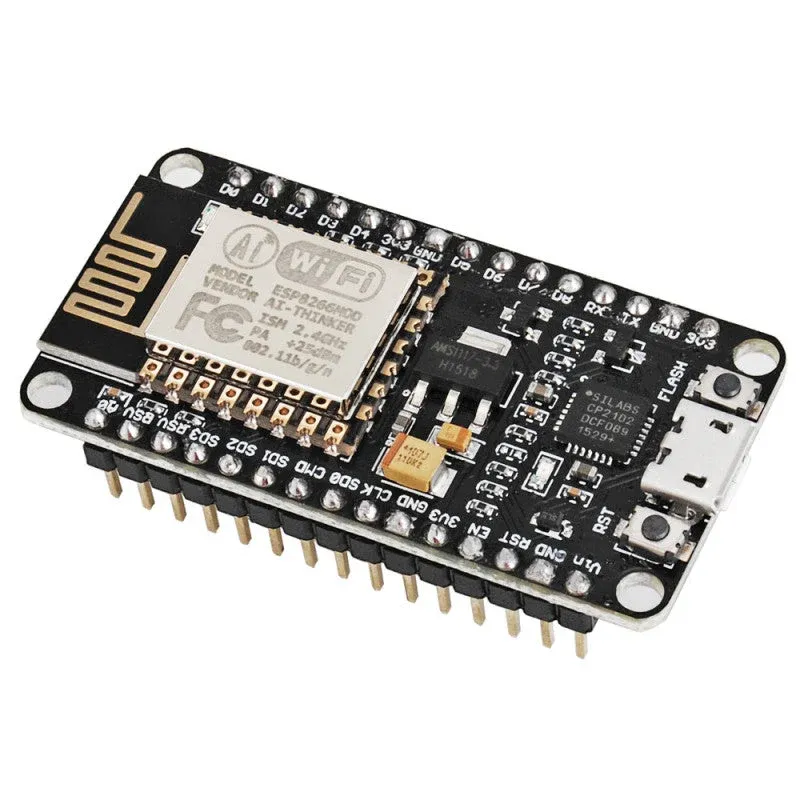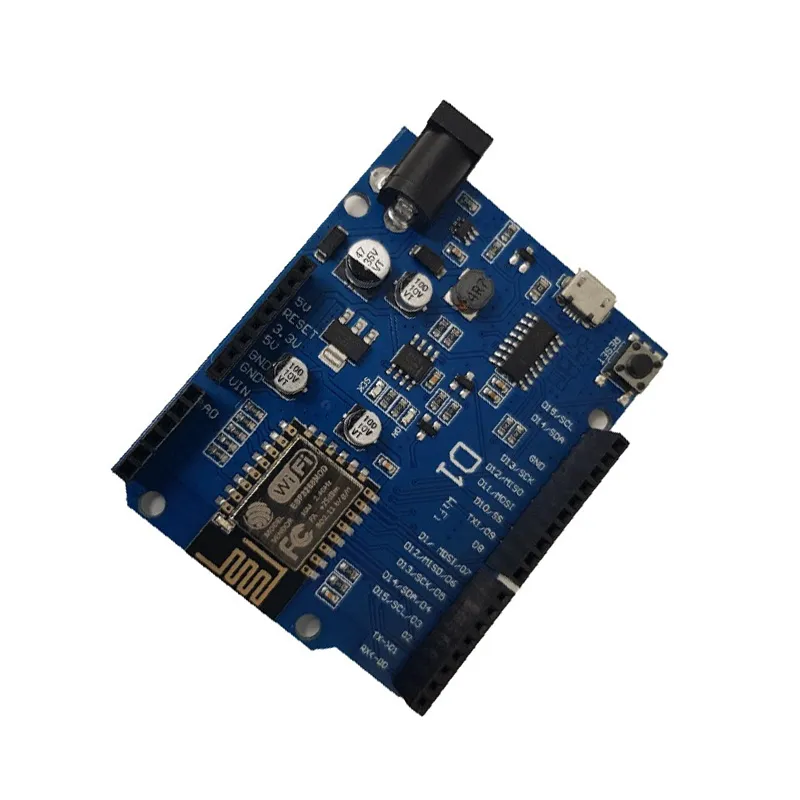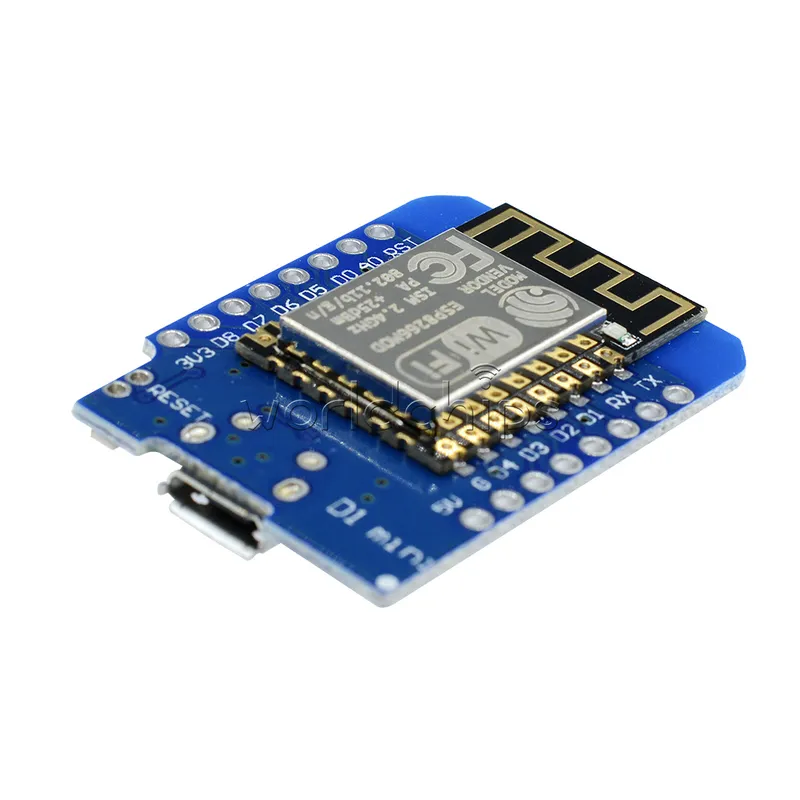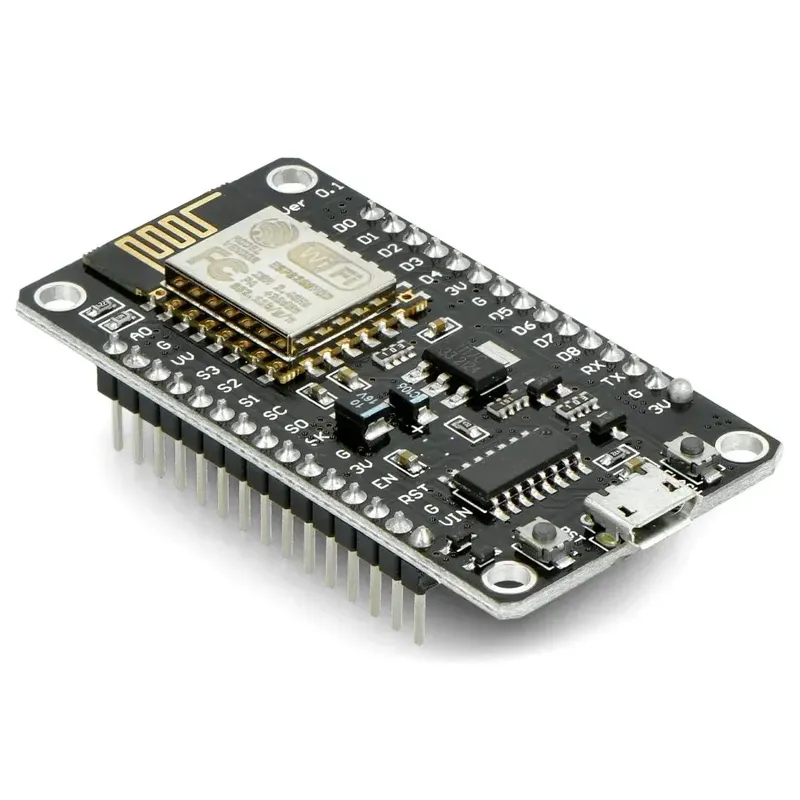
NodeMCU V3 ESP8266 Development Board with CH340G
Prices updated: 13 Oct 2026
Compare prices
| Store | product | Price | View in store |
|---|---|---|---|
 Makers ElectronicsCheapest Makers ElectronicsCheapest | ESP8266 NodeMcu WiFi Programming & Development Kit With CH340 | 160 EGP | View in store |
 Microohm Microohm | NodeMcu ESP8266 V3 CH340 Wifi Developed Board good Quality | 180 EGP240 | View in store |
 Most Electronics Most Electronics | NodeMcu Lua V3 CH340 (ESP8266) | 185 EGP243 | View in store |
 Circuits Electronics Circuits Electronics | NodeMCU (ESP8266 WiFi Programming & Development Kit) CH340 | 215 EGP | View in store |
Price history
Lowest daily price, last 90 days
Lowest price recorded: 160 EGP
About this product
The NodeMCU V3 is an open-source development board built around the ESP-12E ESP8266 Wi-Fi module, with a CH340G USB-to-UART chip for flashing and serial communication. It can be programmed with the Arduino IDE or Lua, and is widely used for Wi-Fi-connected IoT, web server and sensor data projects.
Specifications
- Wi-Fi module
- ESP-12E (ESP8266)
- USB-to-UART chip
- CH340G
- Programming environments
- Arduino IDE, Lua
- Wi-Fi standard
- 802.11 b/g/n, 2.4 GHz
- GPIO logic level
- 3.3 V
- Flash memory
- 4 MB
Frequently asked questions
What is the price of NodeMCU V3 ESP8266 Development Board with CH340G in Egypt?
NodeMCU V3 ESP8266 Development Board with CH340G currently costs between 160 and 215 EGP across 4 offers in Egypt.
Where can I buy NodeMCU V3 ESP8266 Development Board with CH340G in Egypt?
NodeMCU V3 ESP8266 Development Board with CH340G is available from Makers Electronics, Microohm, Most Electronics, and Circuits Electronics. Compare the offers above to find the best price.
Can I connect 5V sensors directly to the GPIO pins?
No. The ESP8266 GPIO pins operate at 3.3 V and are not 5 V tolerant. Use a level shifter or a voltage divider for 5 V signals.
Why is the board not detected on Windows?
The CH340G usually needs its USB driver installed on Windows. After the driver is installed, select the correct COM port and choose the NodeMCU 1.0 (ESP-12E Module) board in the Arduino IDE before uploading.