Mini Traffic Light Kit with Pedestrian Button – Arduino Uno
Currently unavailable
No store has this product in stock right now. Prices below are the last ones we recorded.
Prices updated: 13 Oct 2026
Price history
Lowest daily price, last 90 days
Not enough price history yet.
About this product
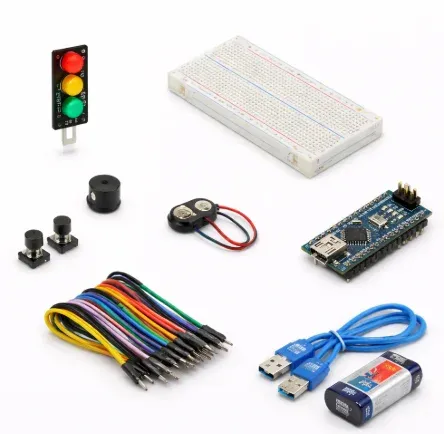
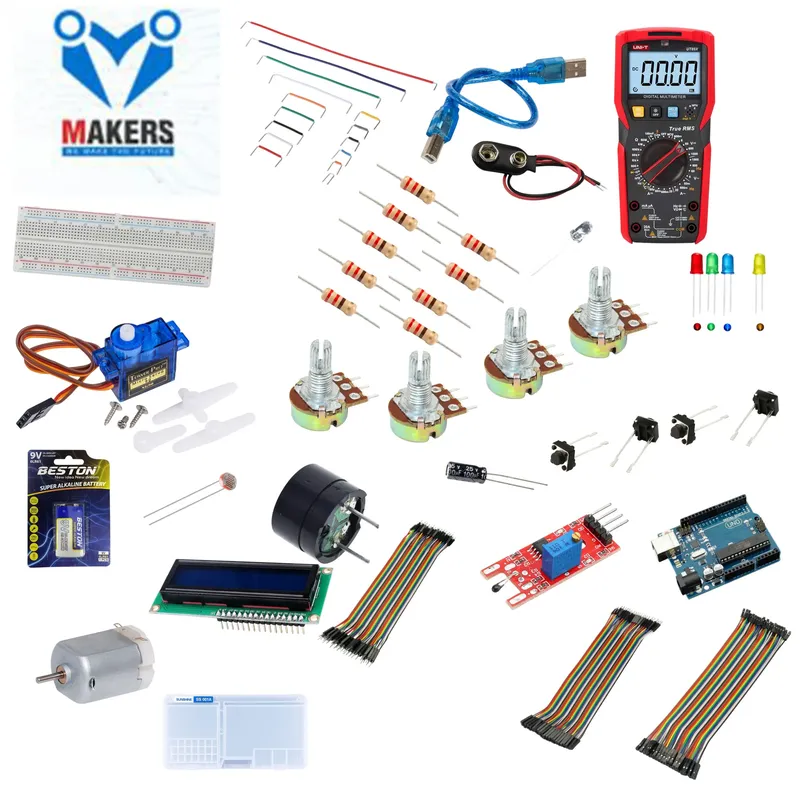
A miniature traffic light built on a breadboard, with red, yellow and green LEDs for vehicles and a pedestrian signal controlled by a push button. The learner programs the green, yellow, red sequence. When pedestrians press the button, the request is stored in a flag variable, and the pedestrian signal shows a green crossing period, then blinks to hurry them.
Specifications
- Microcontroller
- Arduino Uno
- Vehicle LEDs
- Red, yellow, green
- Pedestrian signal
- Green crossing light, then blinking warning
- Button input method
- INPUT_PULLUP
- Estimated build time
- 45 minutes
- Assembly
- Solderless, breadboard
- Difficulty
- Easy
Frequently asked questions
Why is INPUT_PULLUP used for the button?
INPUT_PULLUP enables the Arduino's internal pull-up resistor, so the button only needs to connect the pin to GND. The pin reads HIGH when the button is released and LOW when it is pressed, so no external resistor is needed.
Do the LEDs need resistors?
Yes. Each LED should have a current-limiting resistor in series, as the kit lessons explain, to protect the LED and the Arduino pin.