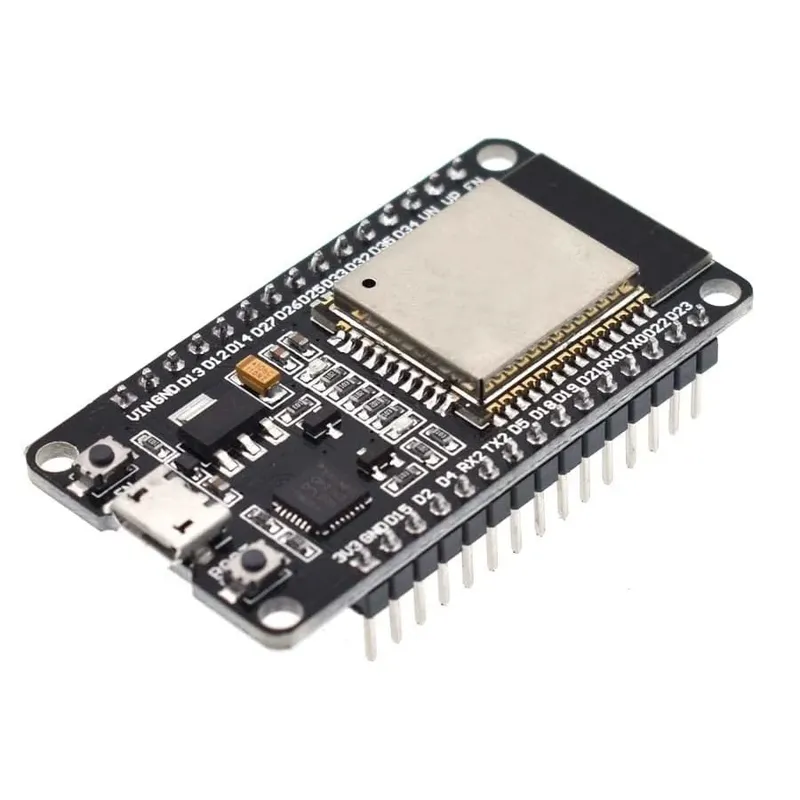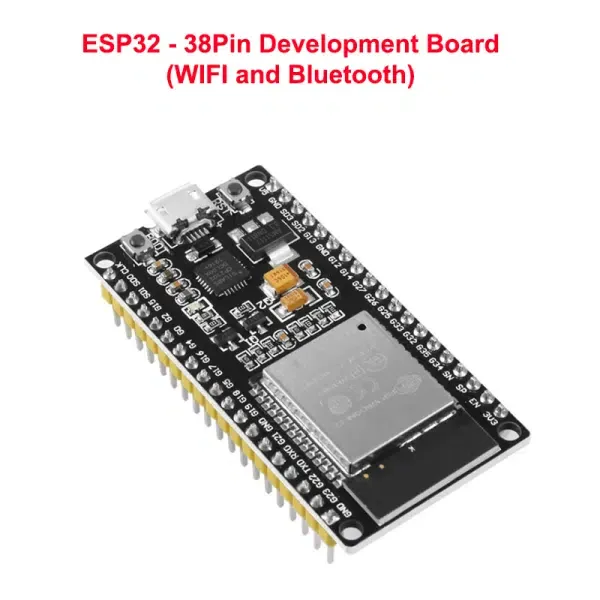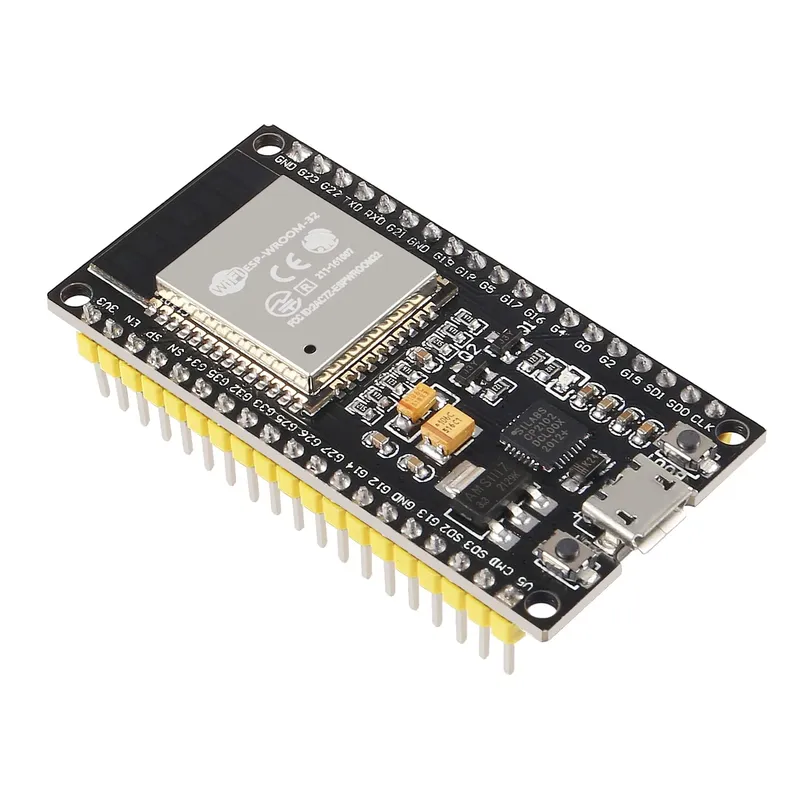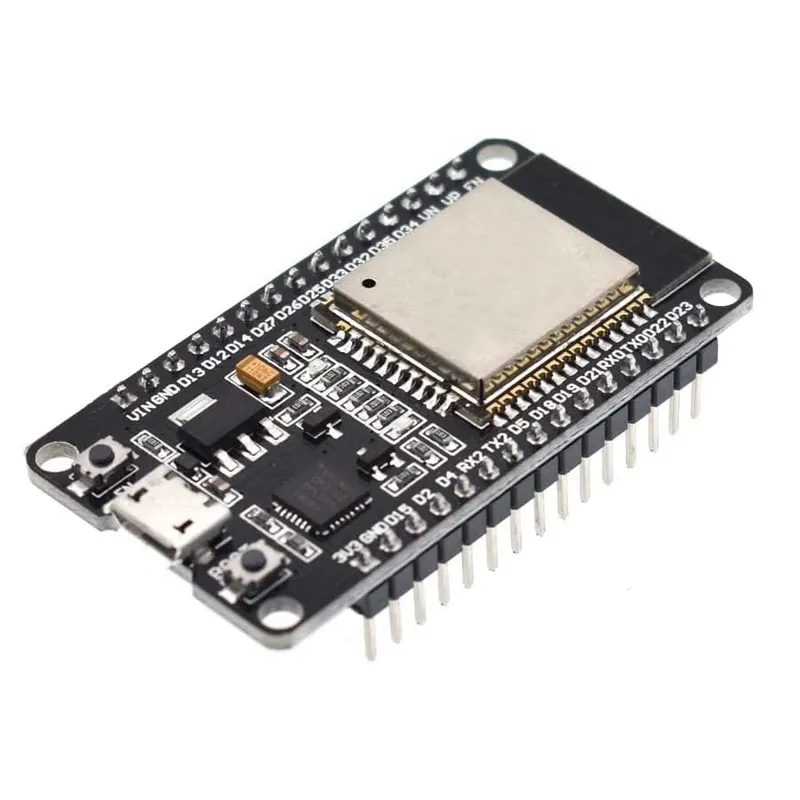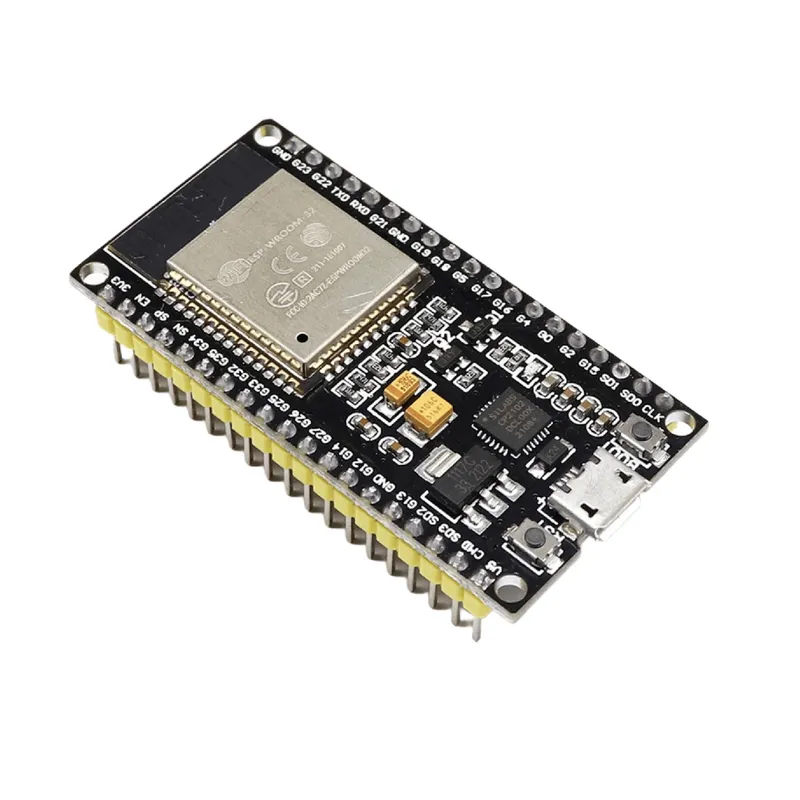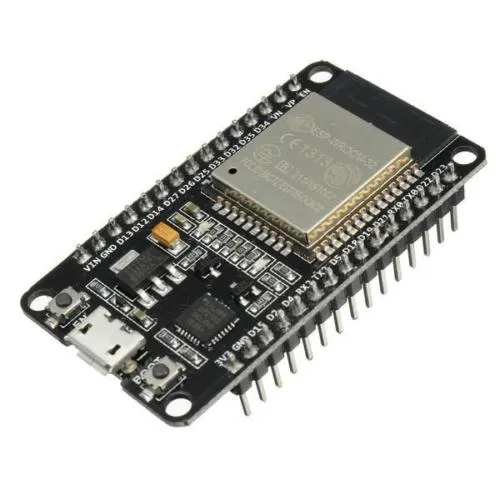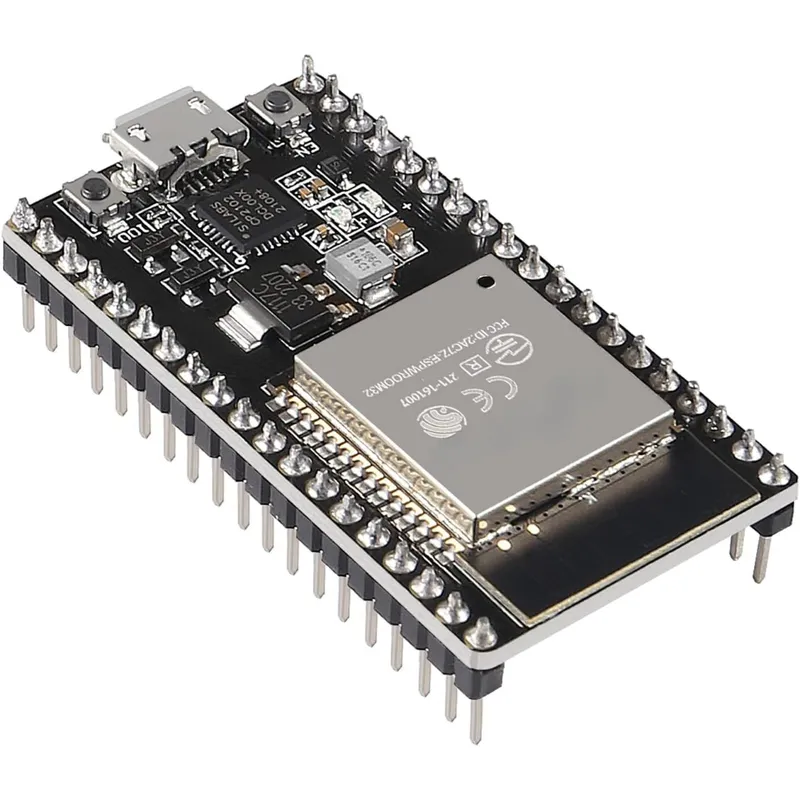
ESP32-S 38-Pin Development Board with WiFi and Bluetooth
Prices updated: 13 Oct 2026
Compare prices
| Store | product | Price | View in store |
|---|---|---|---|
 Makers ElectronicsCheapest Makers ElectronicsCheapest | ESP32 Development Board 38-Pin with CP2102 – Mirco USB | 295 EGP | View in store |
 RAM Electronics RAM Electronics | ESP-32S 38Pin Development Board WiFi Bluetooth with New CP2102 Chip | 350 EGP | View in store |
 Microohm Microohm | 38Pin CP2102 ESP-32 Wifi+Bluetooth Development Board | 350 EGP450 | View in store |
 Most Electronics Most Electronics | ESP32-WROOM-32 Development Board 38-Pin with CP2102 – Mirco USB | 375 EGP487 | View in store |
Price history
Lowest daily price, last 90 days
Lowest price recorded: 295 EGP
About this product
A 38-pin development board based on the ESP32-S, with built-in WiFi and Bluetooth connectivity. It has analog and digital headers with power pins and a Micro-USB port for programming and power, making it suitable for IoT, sensor and wireless control projects.
Specifications
- Microcontroller
- ESP32-S
- Wireless connectivity
- WiFi and Bluetooth
- Pin count
- 38-pin
- USB connector
- Micro-USB
- Headers
- Analog and digital headers with power pins
- GPIO logic level
- 3.3 V
Frequently asked questions
What is the price of ESP32-S 38-Pin Development Board with WiFi and Bluetooth in Egypt?
ESP32-S 38-Pin Development Board with WiFi and Bluetooth currently costs between 295 and 375 EGP across 4 offers in Egypt.
Where can I buy ESP32-S 38-Pin Development Board with WiFi and Bluetooth in Egypt?
ESP32-S 38-Pin Development Board with WiFi and Bluetooth is available from Makers Electronics, RAM Electronics, Microohm, and Most Electronics. Compare the offers above to find the best price.
Can I connect 5 V sensors directly to the GPIO pins?
No. ESP32 GPIO pins work at 3.3 V logic and are not 5 V tolerant. Use a level shifter for 5 V modules, and power the board through the Micro-USB or the VIN pin as labelled on the board.
Which USB-to-serial chip does this board use, and does it need a driver?
Listings disagree: some name the CP2102 and others the CH340C. Check the chip marking on your board, and install the matching Silicon Labs CP210x or WCH CH340 driver on Windows if the port does not appear.