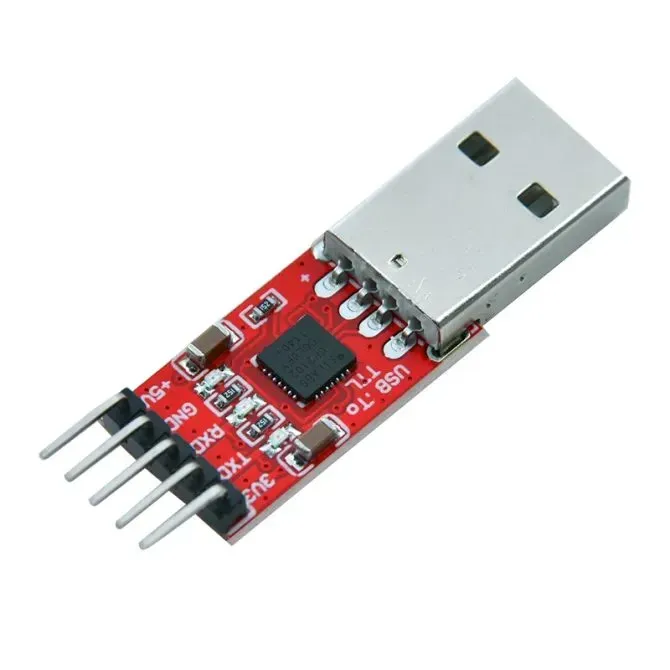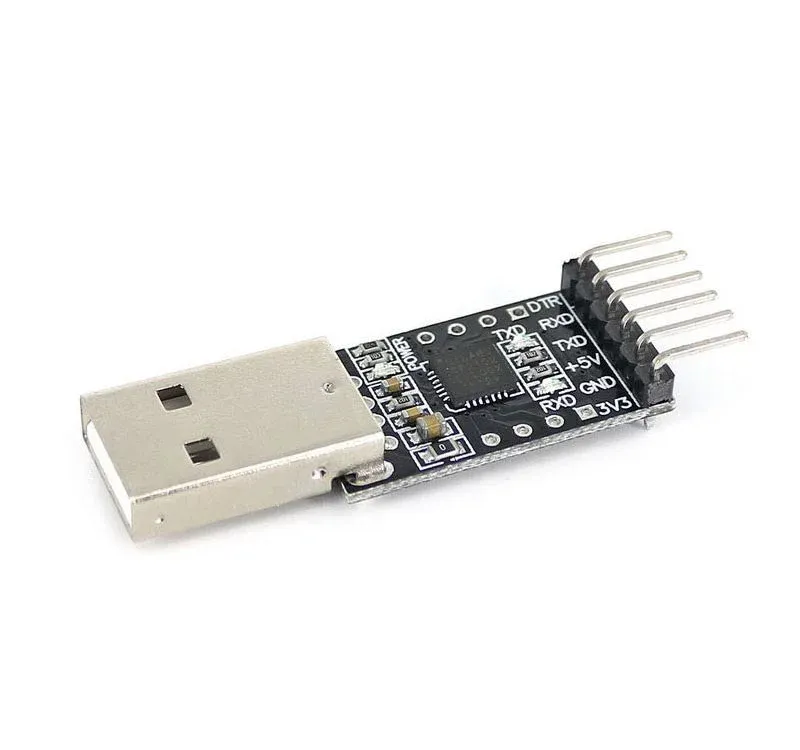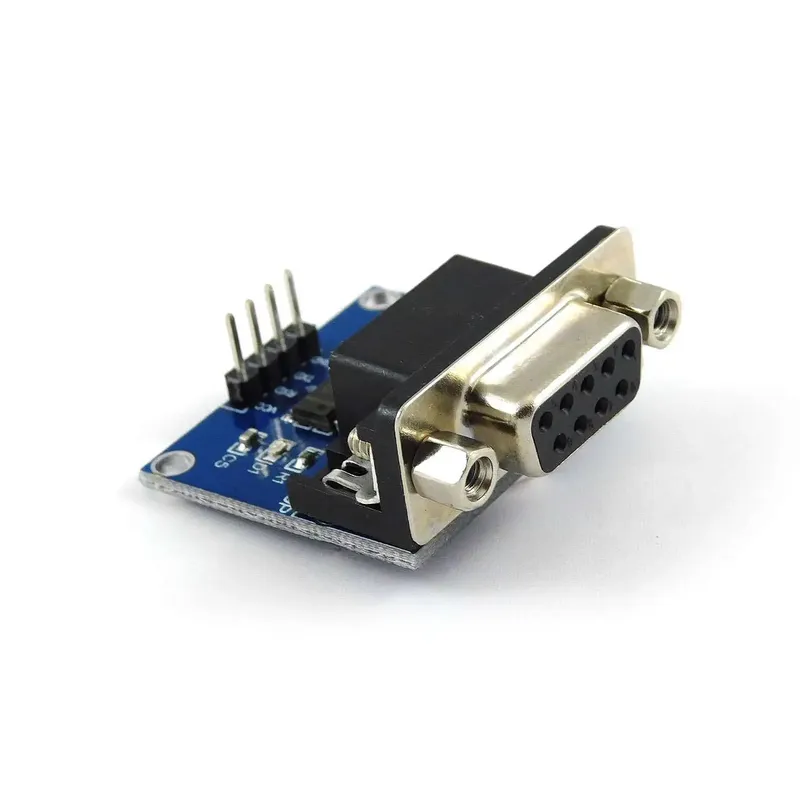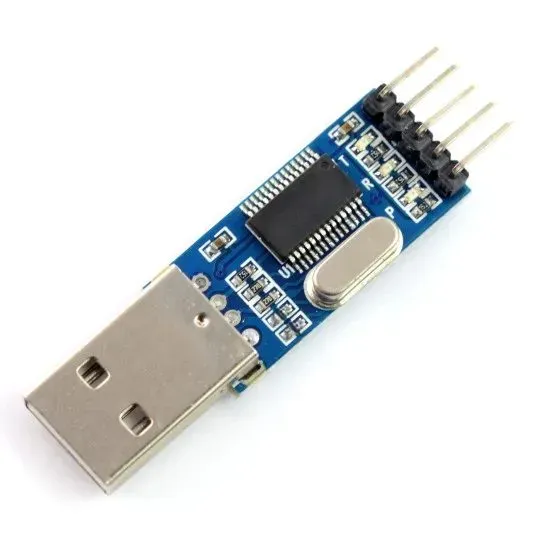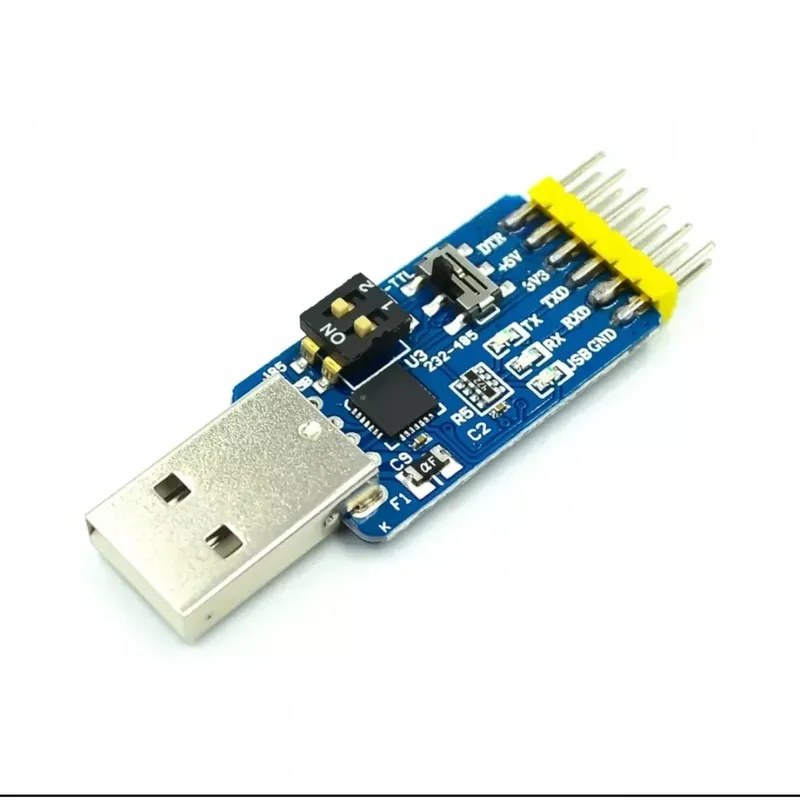
CP2102 6-in-1 USB to TTL, RS232 and RS485 Serial Converter Module
Prices updated: 14 Oct 2026
Compare prices
| Store | product | Price | View in store |
|---|---|---|---|
 Makers ElectronicsCheapest Makers ElectronicsCheapest | CP2102 6 in 1 Multi-function Serial Port Module – USB to TTL/RS232/RS485 TTL to RS232/RS485 | 210 EGP | View in store |
 Future Electronics Future Electronics | USB CP2102 to TTL RS232 USB TTL to RS485 Mutual Convert 6 in 1 | 290 EGP | View in store |
Price history
Lowest daily price, last 90 days
Lowest price recorded: 210 EGP
About this product
A six-function serial converter board built around the CP2102 USB-to-UART chip. It converts between USB, TTL, RS232 and RS485 signals, including USB to TTL, USB to RS232, USB to RS485, TTL to RS232, TTL to RS485 and RS232 to RS485. It supports 3.3 V and 5 V logic with baud rates up to 2 Mbps, and it is useful for programming microcontrollers and debugging serial devices.
Specifications
- USB-UART chip
- CP2102
- Logic levels
- 3.3 V and 5 V
- Maximum baud rate
- 2 Mbps
- Conversion modes
- USB-TTL, USB-RS232, USB-RS485, TTL-RS232, TTL-RS485, RS232-RS485
- Board size
- 3.1 cm x 1.8 cm
- Interfaces
- USB, TTL, RS232, RS485
Frequently asked questions
What is the price of CP2102 6-in-1 USB to TTL, RS232 and RS485 Serial Converter Module in Egypt?
CP2102 6-in-1 USB to TTL, RS232 and RS485 Serial Converter Module currently costs between 210 and 290 EGP across 2 offers in Egypt.
Where can I buy CP2102 6-in-1 USB to TTL, RS232 and RS485 Serial Converter Module in Egypt?
CP2102 6-in-1 USB to TTL, RS232 and RS485 Serial Converter Module is available from Makers Electronics and Future Electronics. Compare the offers above to find the best price.
How do I wire the USB-TTL side to an Arduino or other microcontroller?
Connect the module TXD to the target RX pin, the module RXD to the target TX pin, and join GND. Match the logic level to the target board, since the module supports 3.3 V and 5 V. Label names can vary between boards, so check the silkscreen.
How do I connect an RS485 device?
Connect the module A line to the device A terminal and the B line to the device B terminal, keeping the polarity the same. Confirm the pinout printed on your board and the device datasheet before powering up.